관리 메뉴

개발일기
유니티#17 Animation Controller, Override Controller 본문
사실 거의 반 야매로 하던걸 이번 기회에 제대로 배워보았다
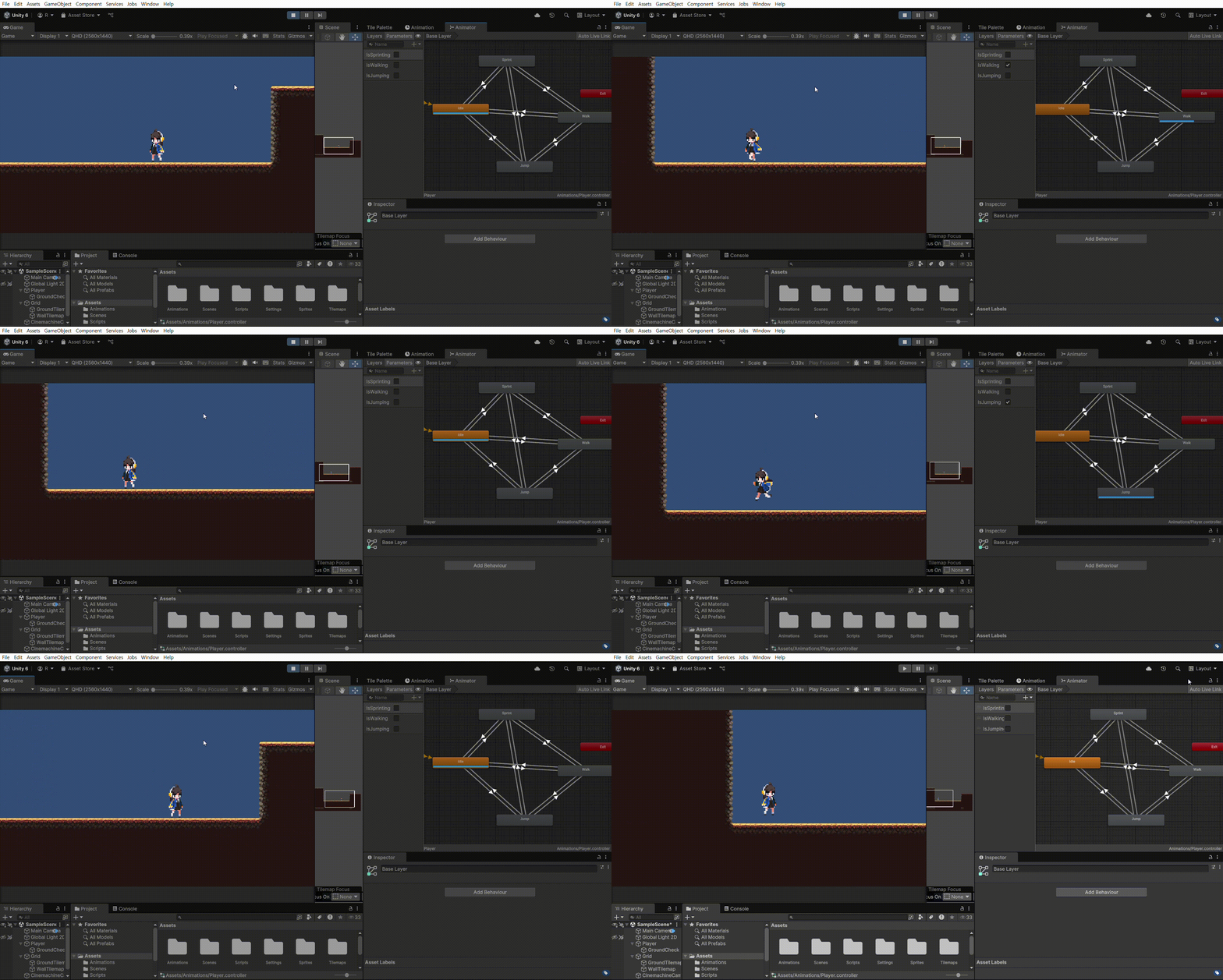
Animation Controller랑 Animation Clip이 있고, 오브젝트 컴포넌트에는 Animator가 있는데
Animator에서는 ANimation Controller를 받을 수 있고, Animation Controller에서는 Animation Clip과 각종 옵션을 설정해둘 수 있다
그 중에서도 나는 Parameters로 상태들을 변환해줬는데, Parameters에는 Float Int Bool Trigger가 있다
만약 설정만 다 잘 해줬다면 스크립트에서 Animator로 접근해 Animation Controller로 접근해서 애니메이션 재생을 통제할 수 있단 거다
using UnityEngine;

public class PlayerMovement : MonoBehaviour
{
    public float walkSpeed = 3f;
    public float sprintSpeed = 6f;
    public float jumpForce = 7f;

    private Rigidbody2D rb;
    private Animator animator;
    private SpriteRenderer spriteRenderer;

    private Vector2 moveInput;
    private bool isWalking;
    private bool isSprinting;
    private bool isJumping;

    public Transform groundCheck;
    public LayerMask groundLayer;
    private bool isGrounded;

    void Start()
    {
        rb = GetComponent<Rigidbody2D>();
        animator = GetComponent<Animator>();
        spriteRenderer = GetComponent<SpriteRenderer>();
    }

    void Update()
    {
        // 입력 받기
        moveInput.x = Input.GetAxisRaw("Horizontal");
        moveInput.y = Input.GetAxisRaw("Vertical");

        // 걷고 있는지 확인 (입력 방향이 있는가?)
        // 달리기 입력 (걷고 있을 때만 달리기 가능)
        isWalking = moveInput.x != 0 || moveInput.y != 0;
        isSprinting = isWalking && Input.GetKey(KeyCode.LeftShift);

        // 점프 입력
        if (Input.GetKeyDown(KeyCode.Space) && isGrounded)
        {
            rb.linearVelocity = new Vector2(rb.linearVelocity.x, jumpForce);
        }

        // 애니메이터 파라미터 전달
        animator.SetBool("IsWalking", isWalking);
        animator.SetBool("IsSprinting", isSprinting);
        animator.SetBool("IsJumping", !isGrounded);

        // FlipX 처리 (좌우 반전)
        if (moveInput.x != 0)
        {
            spriteRenderer.flipX = moveInput.x < 0;
        }
    }

    void FixedUpdate()
    {
        isGrounded = Physics2D.OverlapCircle(groundCheck.position, 0.15f, groundLayer);

        float currentSpeed = isSprinting ? sprintSpeed : walkSpeed;
        rb.linearVelocity = new Vector2(moveInput.x * currentSpeed, rb.linearVelocity.y);
    }

    void OnDrawGizmosSelected()
    {
        Gizmos.color = Color.red;
        Gizmos.DrawWireSphere(groundCheck.position, 0.15f);
    }

}
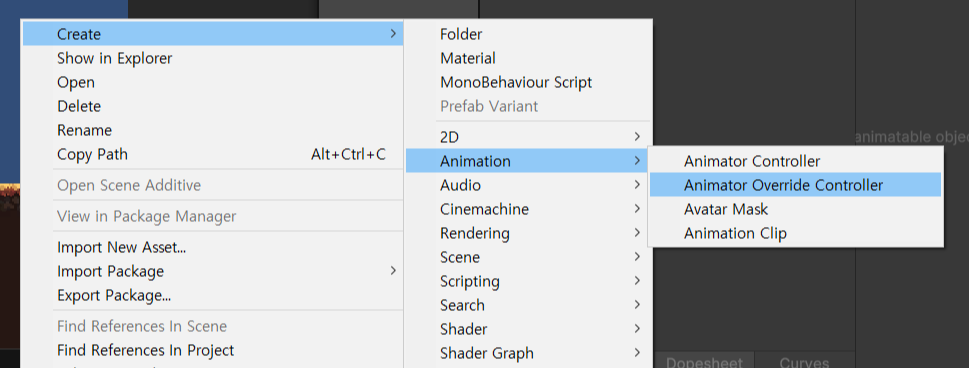
Animation Override Controller는 이름에서 알 수 있다싶이 Animation Controller에서 상속 기능을 구현한 건데, 이게 있으면 기존에 만들어둔 Animation Controller의 실행 양식을 그대로 따른 채로 Animation Clip만 바꿔 넣어줄 수 있다.
단 함정이 있다면 Animation Clip은 그만큼 만들어줘야된다는 것. 뭐 이딴 게 다있지 편하긴 한데


'Unity' 카테고리의 다른 글
| 유니티#19 인벤토리, 퀵슬롯, 아이템 시스템 제작 (0) | 2025.04.30 |
|---|---|
| 유니티#18 Rigidbody2D 아이템 줍기 구현 (1) | 2025.04.29 |
| 게임프로그래밍 공동교육과정 수강하며 배운 것 (0) | 2025.04.08 |
| 유니티#16 SkillHandler 스크립트 정리, 인터페이스(추상 클래스) (0) | 2025.01.06 |
| 유니티#15 UI 활용 (1) | 2025.01.03 |
'Unity' Related Articles
more


